Capture the details
Keep photos and short videos with the job. Check upload status so the office knows what has arrived.
 WorkShutter
Explore WorkShutter
Connect the details captured on site with the people reviewing, organizing, and sharing the work.
WorkShutter / Project gallery and internal review
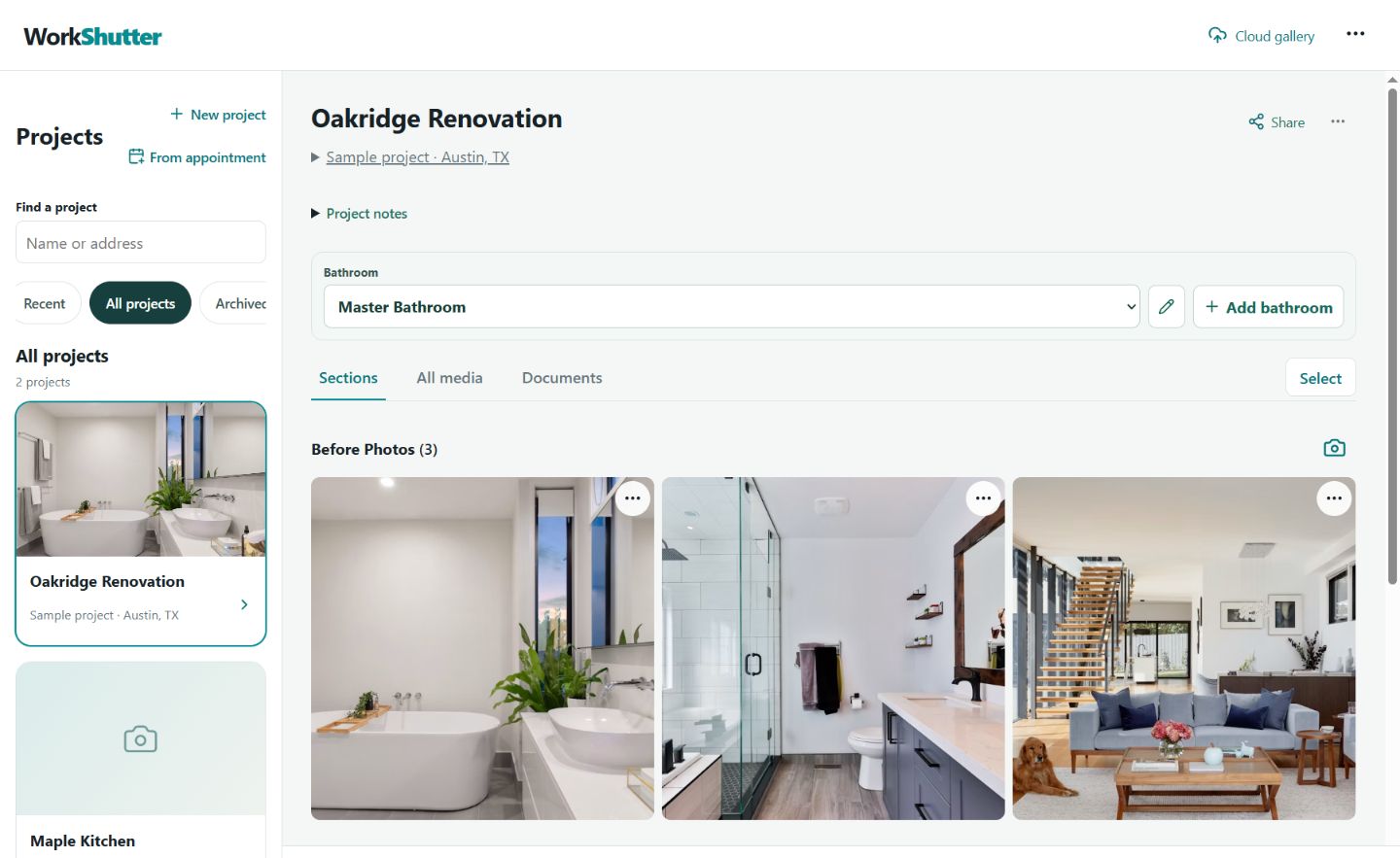
Keep photos and short videos with the job. Check upload status so the office knows what has arrived.
Organize work by project, room, and capture section. Keep the walkthrough, measurements, progress, and finished work together.
Use company capture templates to give teams a shared structure for documenting each job.
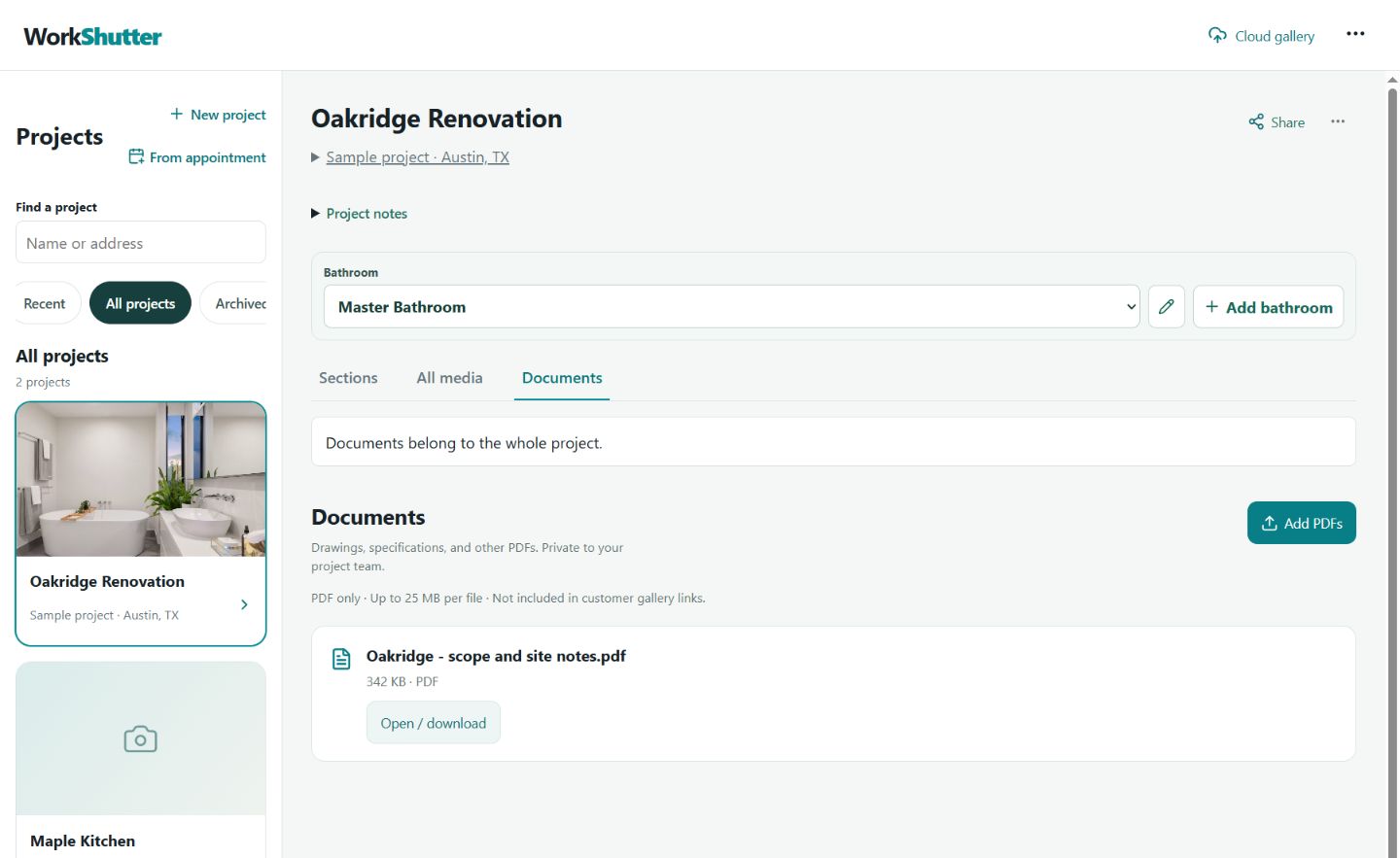
Keep drawings and private PDF documents alongside the project photos your team uses every day.
Review uploaded media and discuss details with attributed internal comments, right where the work is documented.
Manage individual accounts and organization roles for the people capturing, reviewing, and administering your project records.
Create a customer gallery from selected media, with an expiry date and revocation controls. Internal comments and private PDFs stay out of that gallery.
Download originals and prepare project exports for handoffs and recordkeeping. Your business retains its rights in its content.
Use nearby projects, search, and project details to get back to the right job on your phone, tablet, or desktop.
WorkShutter / Selected media, ready for a customer handoff
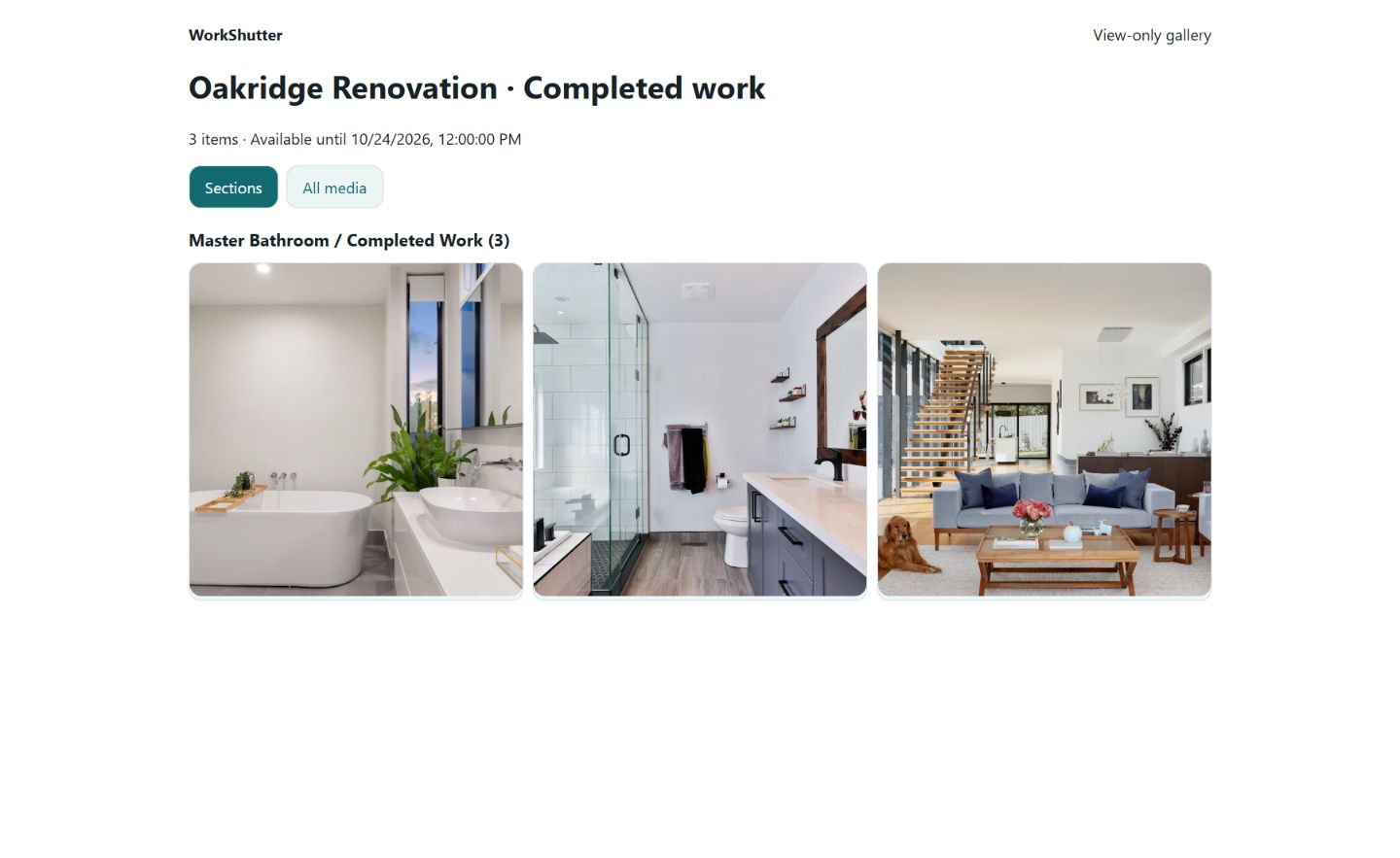
Customer galleries
Share selected photos and videos through an expiring link. New uploads are not added automatically. Revoke a link when access is no longer needed.
Anyone with the link can view or save its selected content. Review your selection before sharing; revocation cannot recall saved copies.
Documents and drawings
Keep private PDFs and project drawings close to the photos they explain. Give the office a practical place to review the record.
WorkShutter / Private project documents
Open WorkShutter on phone, tablet, or desktop. Keep the app open and connected until your uploads show as complete. Browser access is the supported service described here.
Scoped API and MCP access support authorized workflows. Tell us about your integration needs during onboarding so we can confirm the supported scope.
See how WorkShutter fits your team’s day.